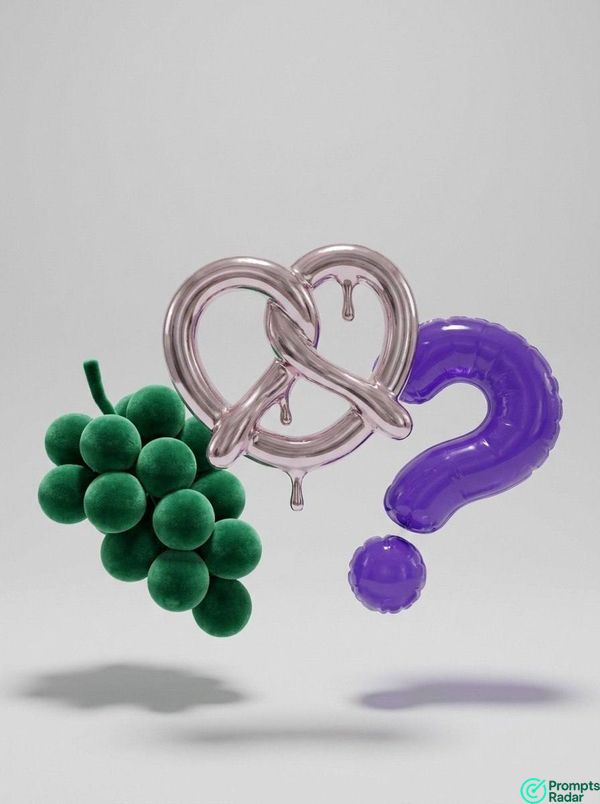
Replace {LOGO_DESCRIPTION} with a clear description or name of the logo you want to render (e.g., "Nike swoosh logo," "company X's emblem"). The output should be a detailed image prompt for a 3D rendering engine.
Iced Logo 3D Render with Chatgpt 5 prompt
AI prompt created by PromptsRadar
Instructions

PromptsRadar
•
2026-02-07
ChatGPT
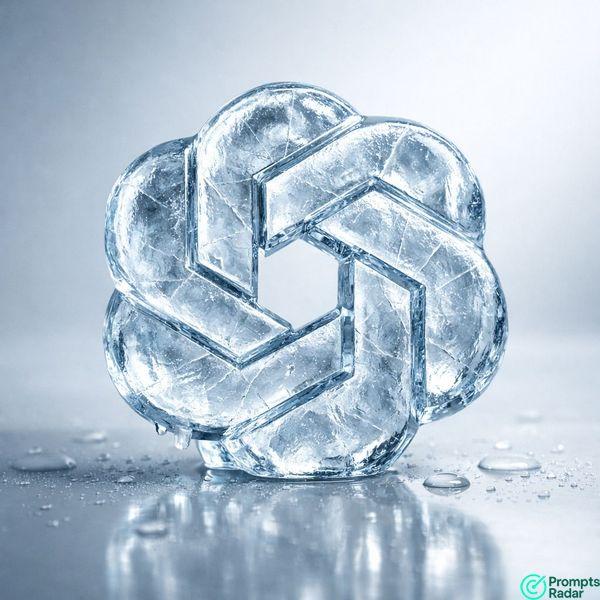
Generate a high-quality 3D render. The central subject is {LOGO_DESCRIPTION}, transformed into a thick, transparent, ice-like material. The logo must retain its exact original shape and proportions, ensuring it is fully recognizable. The ice material should appear glossy and frosted, featuring realistic internal cracks, subtle light refraction, and visible depth. A very subtle blue tint is infused within the ice structure.
The scene uses cold studio lighting, casting soft shadows and producing crisp highlights with realistic light reflections on a smooth, reflective surface. Enhance realism by adding slight condensation and small water droplets nearby.
The composition is clean and minimal, aiming for a realistic, cold, and premium aesthetic. Ensure no text, labels, or additional distracting elements are present in the final render.
Share on Socials